فیلم های آموزشی نرم افزار DIGSI 4

فیلم های آموزشی نرم افزار DIGSI 4 در پوشه گوگل درایو قرار دارد. و  آنلاین بودن با اکانت گوگل الزامی است.


جهت تهیه پکیج آموزشی

به شماره زیر در واتساپ پیام دهید 

09129613659

یا

 ایمیل بزنید

zarefateme715@gmail.com


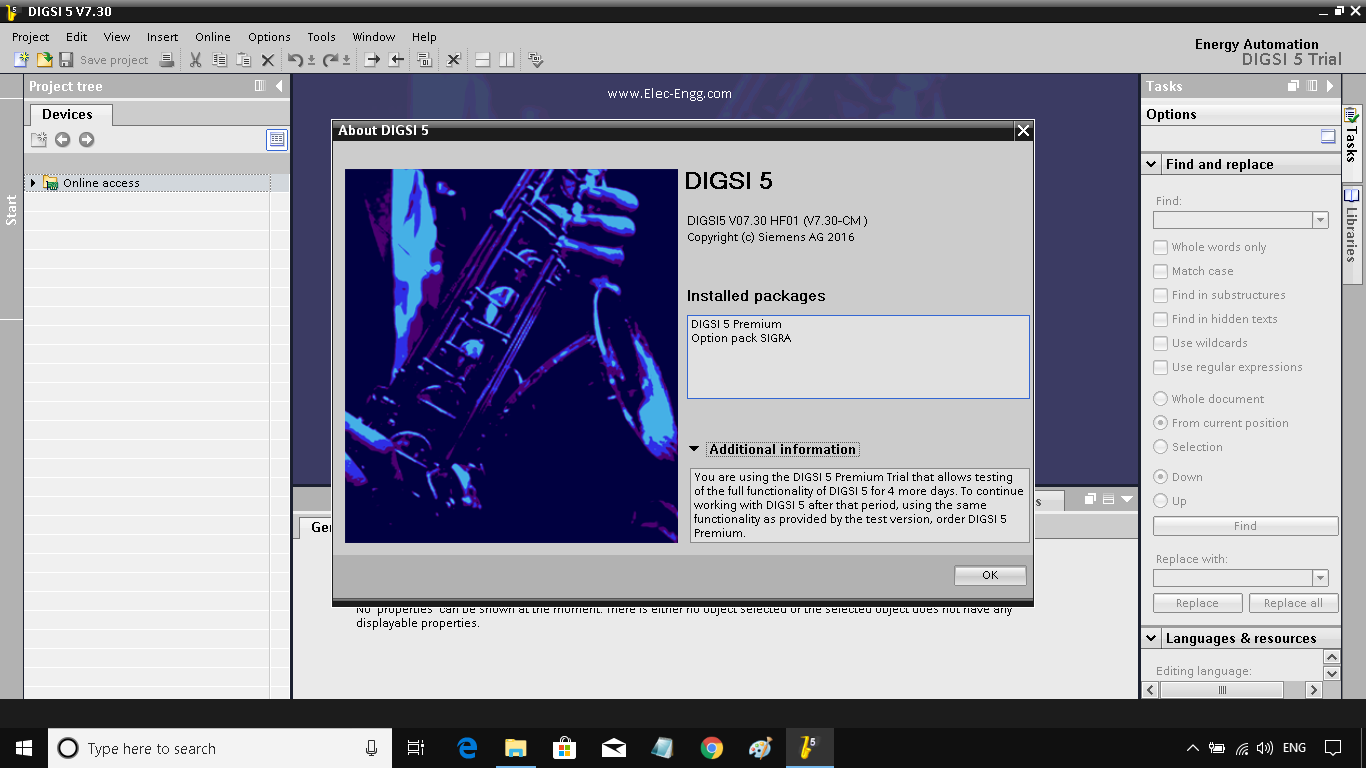
نرم افزار DIGSI 5

5 DIGSI نزم افزار جهت کانفیگ رله های زیمنس است،


مشخصات مهم DIGSI 5:

  • راه اندازی رله های SIPROTEC دستگاه و رابط کاربری آن زیبا و مطابق خواسته کاریران می باشد.
  • اتصال ساده به دستگاه از طریق USB شما را قادر به کار با یک دستگاه به راحتی و کارآمد.
  • قابلیت های کامل از DIGSI 5 نشان می دهد زمانی که شما آن را به یک شبکه از دستگاه های حفاظتی متصل می نمایید شما می توانید با تمام دستگاه های در یک پروژه کار کنید.
  • DIGSI 5 قابلیت استفاده فوق العاده را  ارائه می دهد. و برای فرآیندهای مهم حفاظتی بهینه شده است. تنها اطلاعات شما در واقع نیاز به انجام وظایف خود را می دهد.

نسخه DIGSI 5 هم اکنون جهت کاهای تحقیقاتی می باشد.

تعداد بسیار محدودی از لایسنس DIGSI 5 موجود است. قیمت هر لایسنس 10 هزار تومان می باشد. چهت دریافت لایسنس به ایمیل saeed61850@gmail.com   درخواست لایسنس DISGI 5  را ارسال نمایید.

فیلم های آموزشی نرم افزار OMICRON

فیلم های آموزشی نرم افزار OMICRON


فیلم های آموزشی در پوشه گوگل درایو قرار دارد. و  آنلاین بودن با اکانت گوگل الزامی است.


جهت تهیه پکیج آموزشی

به شماره زیر در واتساپ پیام دهید 

09129613659

یا

 ایمیل بزنید

zarefateme715@gmail.com

IEC 61850

The IEC 61850 standard is on Google Drive. And being online with a Google account is mandatory.


To prepare an educational package

Send a message to the following number on WhatsApp

+989129613659

Or

Email


zarefateme715@gmail.com


رله های سیپروتک 5 زیمنس و نرم افزار دیگزی 5 زیمنس

Contact us to order the new generation Siemens relays of Siprotech 5 relays and Siemens Digg 5 software.

Siemens Cyprotek 5 relays are available to order and DIGSI 5 software also has different licenses.

A limited number of PREMIUM licenses are available. Call to receive.

Call to order other Diggie 5 licenses and place an order.

Info@Protectionrelay.ir


کاتالوگ و منوال های نرم افزار دیگزی 5 و سیپروتک 5 DIGSI5 - SIPROTEC5 MANUAL

Useful SIPROTEC 5 & DIGSI 5 Manuals


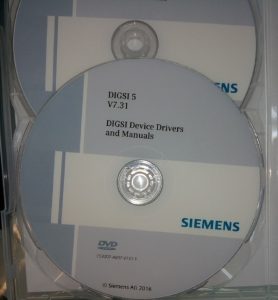
Digsi Device Drivers and Manuals


Digsi 5 Premium License Unlimited


Operating Program for SIPROTEC Devices


Digsi 5 Device Drivers and Manuals


Keywrks: Digsi 5 download, Digsi 5 tutorial,  siemens Digsi 5 price, Digsi 5 unlimited licence: Digsi 5 manual: Digsi 5 tutorial :  siemens Digsi 5 price: Digsi 5 license

DIGSI 5 LICENCE - لایسنس نرم افزار دیگزی 5 DIGSI 5

DIGSI 5 LICENCE -


لایسنس نرم افزار دیگزی 5 DIGSI 5

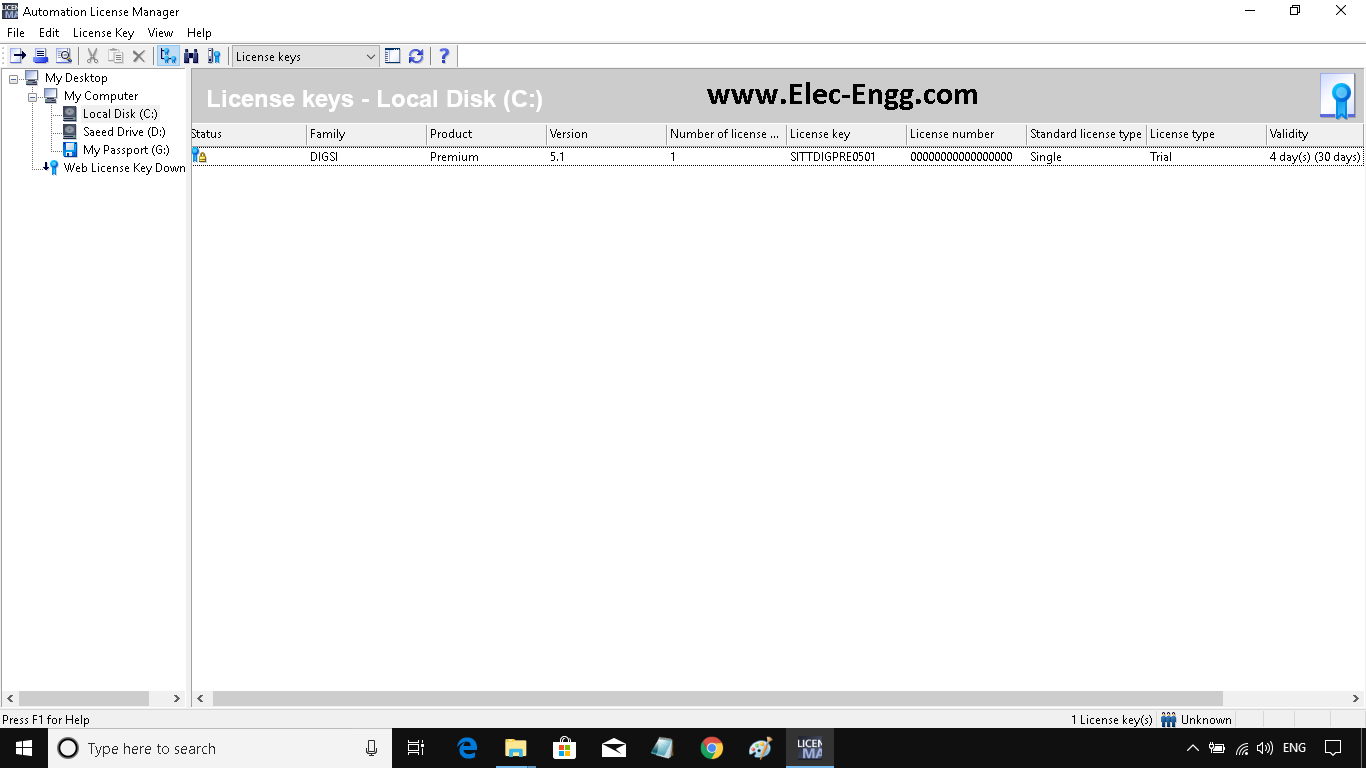
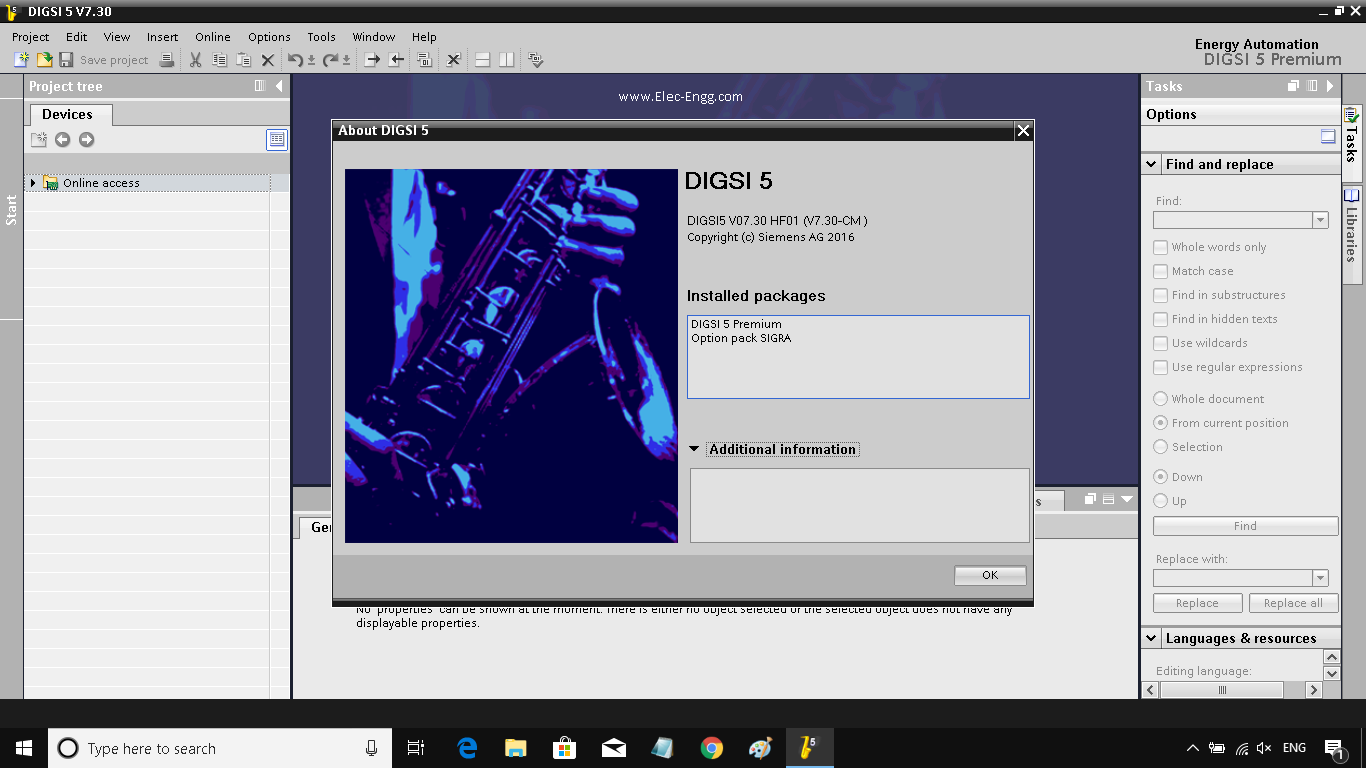
igsi 5 and Automation License Manager Before Digsi 5 Premium License Unlimited


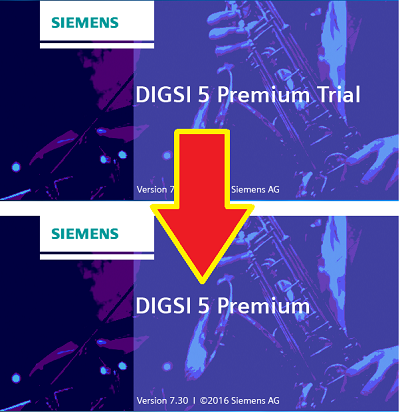
نرم افزار دیگزی 5 قبل و بعد از لایسنس دیگزی 5

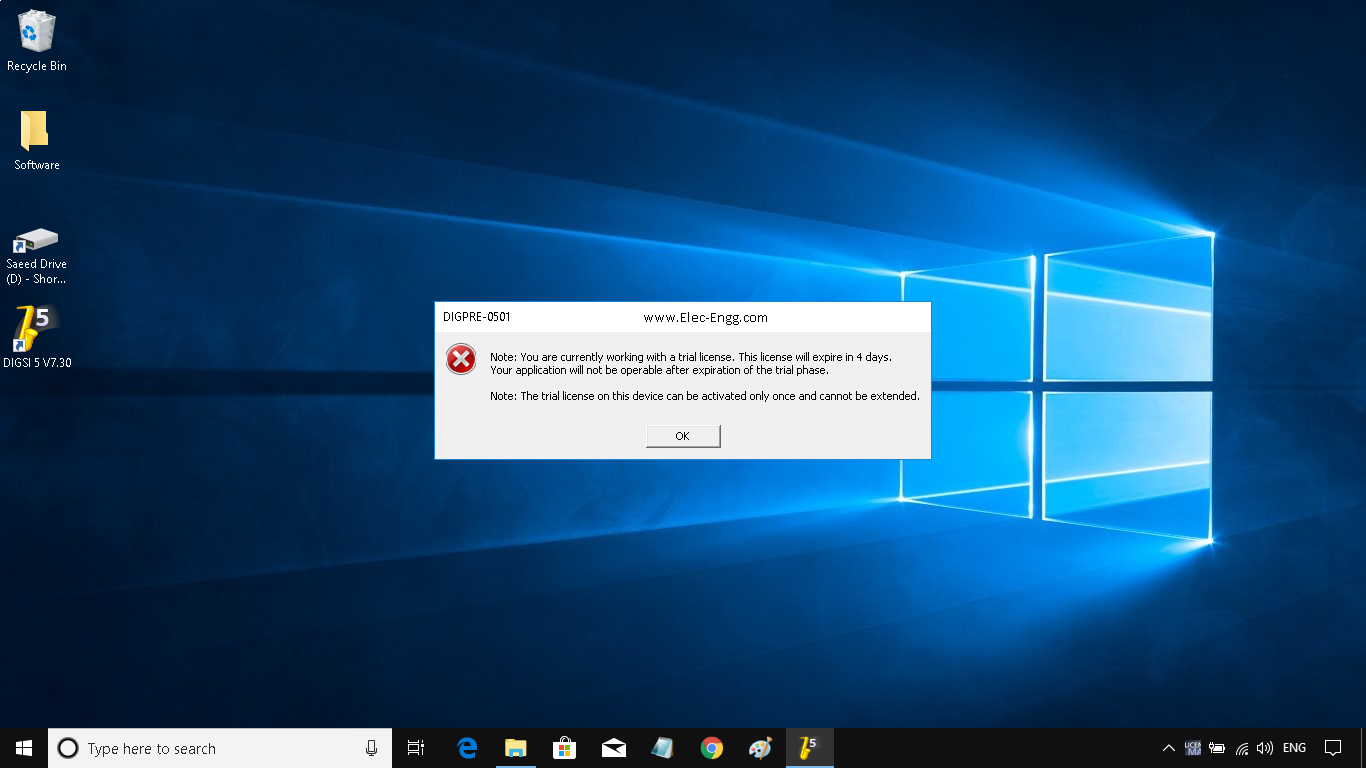
Digsi 5 and Automation License Manager After Digsi 5 Premium License Unlimited


جهت فعال سازی نرم افزار Digsi 5  با ما تماس بگیرید

Info@Protectionrelay.ir

www.ProtectionRelay.ir

Digsi 5 serial number - دیگزی 5 سریال نامبر

فعال سازی نرم افزار دیگزی 5  توسط لایسنس Digsi 5 Premium Licence 

جهت فعال سازی نرم فزار Digsi 5 با لایسنس پریمیم نامحدود با ما تماس بگیرید.


Digsi 5 before and after licence

Digsi 5 and Automation License Manager Before Digsi 5 Premium License Unlimited


Digsi 5 and Automation License Manager After Digsi 5 Premium License Unlimited


جهت دریافت لایسنس نرم افزار دیگزی 5 به ایمیل ما درخواست ارسال نمایید

saeed61850@yahoo.com

digsi

Part I : This video gives you a quick introduction to practice oriented working with Digsi 5 Software. In this Digsi 5 tutorial series, a single busbar  configuration with a coupling divides into 2 sections. There are several outgoing feeders. In normal condition, the coupling is open. Each busbar section and outgoing feeder supplied with energy through their own feeder. If the energy supply from the feeder 1 is failed, the Bus 1 would be without energy. In this case, feeder 2 should an automatically supply the feeder 1 with connecting the coupling.

In this Digsi 5 Tutorial series, the automatic switchover with the help of CFC function is described. Based on this function whenever the loss of energy in CB1 is detected, an indication would be sent to coupling via communication and the coupling CB would be closed.

This tutorial shows you what is essential for solving the mentioned task.


Part II : Digsi 5 manages parts of a system and all of the data associated with it in a project-oriented manner. Topology, devices, parameters, communication settings, process data and much more are compiled and stored under one project name. Therefore, all you have to do is open a project in Digsi 5 and will access all data immediately. It is possible to modify all part of project in Digsi 5. In the project three, you have access to data and tools. Digsi 5 displays all editing tools within the working area. For example, the single line editor, the information Matrix, or the Display editor. The global Digsi 5 library plays a particular role. it contains a multitudes of elements which you can insert in the project using drag and drop. For optimum working, you have the flexibility to adjust the user interface of Digsi 5 and you can change the size of the individual window or hide windows if required. Also with split function, you divide the Digsi 5 working area vertically or horizontally.


Part III


Part IV


Part V


Part VI :


Part VII :


Part IX :